After helping hundreds of merchants launch and grow their Shopify stores, I’ve seen firsthand where they get stuck. It’s not usually the product or the branding—it’s the overwhelming task of getting found on Google.
You head to the Shopify App Store, search for “SEO,” and are hit with over 600 options. Which one is right? Which one will actually move the needle without slowing down your site?
It’s a frustrating and time-consuming challenge. So, we put the most popular Shopify SEO apps to the test. We evaluated their features, ease of use, and impact on performance to create this definitive guide. We’re here to cut through the noise and give you clear, actionable recommendations based on your store’s specific needs.
For those in a hurry, here’s the shortlist of our top 5 picks that stand out from the rest.
Our Top 5 Picks: The Shortlist
| App Name | Best For | Starting Price | Key Feature | Our Rating |
|---|---|---|---|---|
| Tiny SEO Speed Image Optimizer | New store owners wanting a foundation. | Free to install | All-in-one site speed & image optimization. | 4.9 / 5 |
| Tapita AI SEO Optimizer, Speed | Merchants on a tight budget needing broad features. | Free plan available | A generous free plan covering core SEO needs. | 4.7 / 5 |
| SearchPie: SEO, Speed & Schema | Beginners looking for a simple, hands-off tool | Free plan available | Automated schema and sitemap support. | 4.6 / 5 |
| Tapita SEO AI Blog Builder | Stores focused on scaling blog content with AI. | Free plan available | AI-powered blog and article generation. | 4.8 / 5 |
| StoreSEO: AI SEO Blog & Image | Growing stores wanting to automate technical SEO. | $14.99 | Comprehensive SEO & blog automation. | 4.7 / 5 |
Quick Reality Check: Can an App Actually Fix Your SEO?
Before we dive into the list, let’s address the most important question: can one of these Shopify SEO apps magically make you rank #1 on Google? The short answer is no.
These apps are powerful, but they are not a replacement for a sound SEO strategy. They can’t choose your keywords, understand your customers’ problems, or create a compelling brand story. Their job is to execute tasks more efficiently—automating tedious but critical jobs like writing alt text, fixing broken links, or adding structured data to your pages.
Experienced Shopify owners often share this wisdom in communities like Reddit, and it’s advice worth highlighting:
“SEO plugins and tools only help you do work faster. But if you don’t understand the first principles—like what your customers are actually searching for—you won’t know how to make the right strategic choices. The tool can’t do the thinking for you.”
Think of these Shopify SEO apps as a co-pilot, not the pilot. They help you implement the technical side of your SEO strategy flawlessly and at scale. The apps we review below are the best in the business at doing just that, saving you countless hours while ensuring your store is technically perfect and ready to compete.
How We Tested & Ranked These Shopify SEO Apps: Our Methodology
To move beyond marketing claims and provide genuine recommendations, we developed a rigorous 5-point evaluation process. Our rankings are the result of hands-on testing, user review analysis, and performance benchmarking on a live Shopify development store.
Here’s exactly what we looked for in every app:
✅Feature Set: We evaluated the depth and breadth of features. Did the app cover the essential SEO pillars—like on-page optimization, image compression, structured data (schema), and broken link detection? We prioritized apps that offered a comprehensive toolkit without unnecessary bloat.
✅Ease of Use: An app is only effective if you can actually use it. We assessed the user interface for clarity and simplicity. The best apps guide you through the setup process and make complex SEO tasks feel manageable, even for absolute beginners.
✅Customer Support: When you have a question, you need a fast and helpful answer. We analyzed thousands of user reviews in the Shopify App Store to gauge the responsiveness and quality of each app’s support team.
✅Pricing & Value: We looked for fair and transparent pricing. Does the app offer a generous free plan for new stores? Do the paid tiers provide a clear return on investment by saving time and boosting performance?
✅Site Speed Impact Test: This was our most critical test. An SEO app that slows down your store is counterproductive. We used Google PageSpeed Insights to measure the performance of our test store before installing any apps. Then, we installed each app one by one and re-ran the speed test to measure its impact on load times and core web vitals. Apps that were lightweight and efficient scored the highest.
The Best Shopify SEO Apps Categorized by User Need
Instead of an endless list, we’ve grouped the best apps by the specific job you need them to do. Whether you’re a brand new store owner looking for a solid foundation or a growing business aiming to automate your workflow, this is your guide to finding the right tool for the task.
Best All-in-One Apps for New Store Owners
For new merchants, the goal is to cover the most critical SEO bases without a steep learning curve or a hefty price tag. These Shopify SEO apps provide the strongest foundations.
1. Tiny SEO Speed Image Optimizer
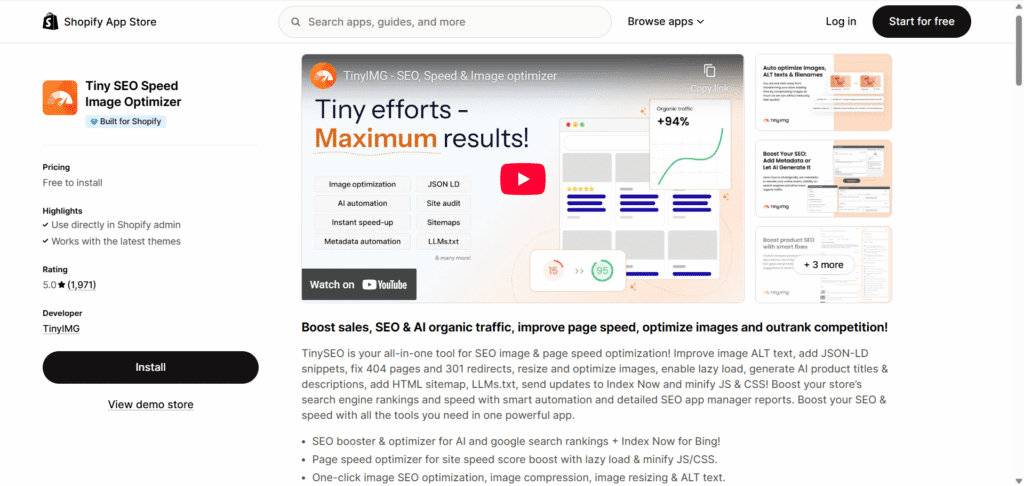
Tiny SEO is our top recommendation for beginners who want a single app to handle the fundamentals right from the start. It excels by combining three crucial elements—image optimization, site speed improvements, and technical SEO cleanup—into one intuitive dashboard.
New merchants can easily tackle essential tasks like compressing images, adding ALT text, fixing broken links, and setting up structured data with minimal effort.
Who Is This App For?
New Shopify store owners who want a powerful, user-friendly tool that covers 80% of their initial SEO needs in one place.
Our Verdict
For its blend of power and simplicity, Tiny SEO is the best starter app. It tackles the most significant ranking factors—speed and on-page elements—so effectively that it allows you to “set it and forget it” while you focus on growing your business.
2. Tapita AI SEO Optimizer, Speed
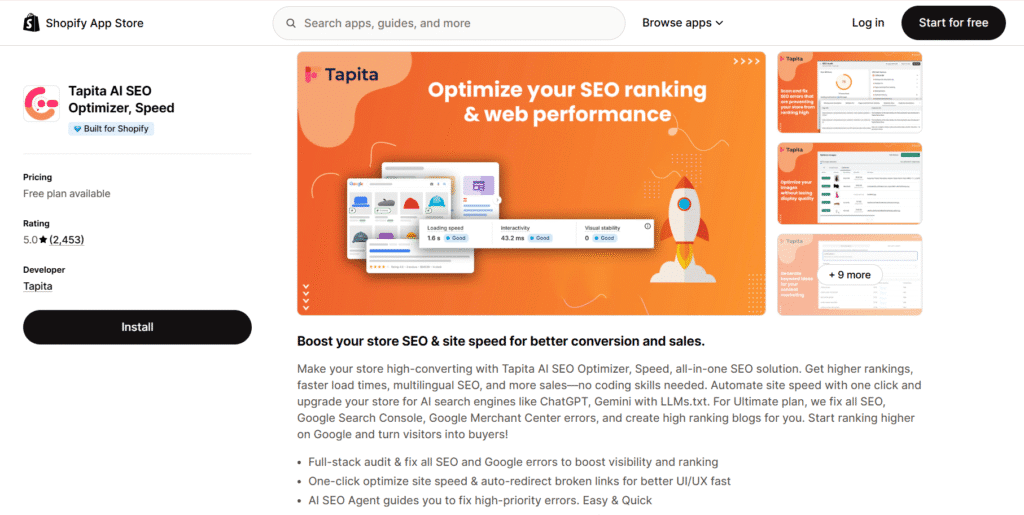
Tapita AI SEO is the best starting point for new merchants on a tight budget. Its main advantage is its generous free plan, which offers broad SEO coverage without requiring an immediate financial commitment.
It provides an impressive range of features, including SEO audits, AI-assisted metadata generation, image optimization, bulk alt-text updates, and broken link detection, making it a risk-free way to implement SEO best practices from day one.
Who Is This App For?
Brand new store owners and entrepreneurs who need a comprehensive set of SEO tools with a robust free plan to get started.
Our Verdict
While many apps have free tiers, Tapita’s is one of the most functional. It’s the ideal choice if you want to cover your core SEO needs now and have the option to grow into a powerful paid plan later.
3. SearchPie: SEO, Speed & Schema
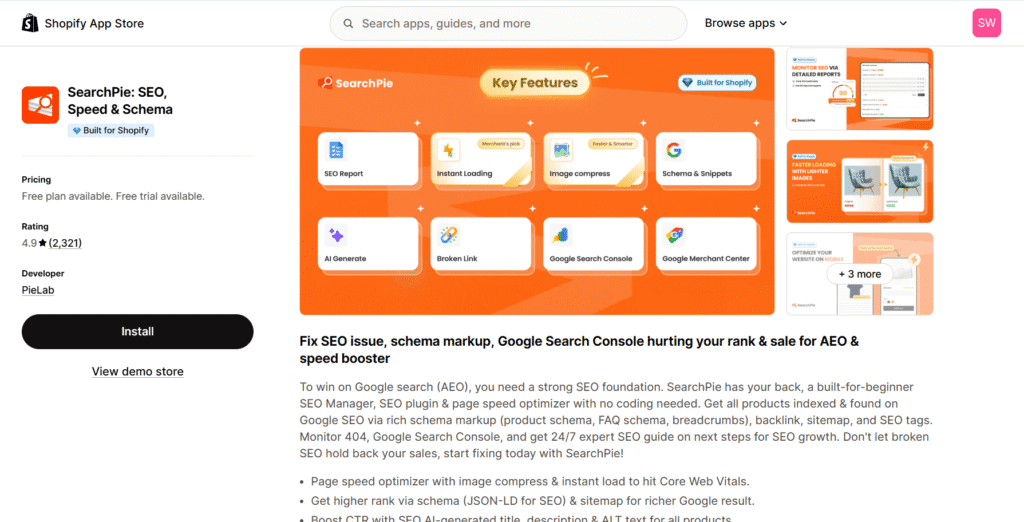
SearchPie is a fantastic choice for beginners who want an effective SEO solution with minimal technical friction. It simplifies complex tasks like schema markup and sitemap management, making them accessible to everyone.
The app bundles a wide array of features, including metadata optimization, image compression, and redirect management, into a clean interface designed to get you results quickly.
Who Is This App For?
Merchants who are less comfortable with technical SEO and want an app that automates key processes like schema and sitemap submissions.
Our Verdict
SearchPie lives up to its name by making Shopify SEO as easy as pie. Its strength lies in automation and simplicity, making it a reliable and beginner-friendly option for handling your store’s foundational SEO.
💡If you’re also looking for free tools beyond SEO—covering design, marketing, and social proof—our guide to the best free Shopify apps is the perfect companion to this list.
Best Apps for AI Content & Blog Automation
For stores investing in content marketing, leveraging AI tools to scale article creation is a game-changer. These Shopify SEO apps lead the pack in blog automation.
4. Tapita SEO AI Blog Builder
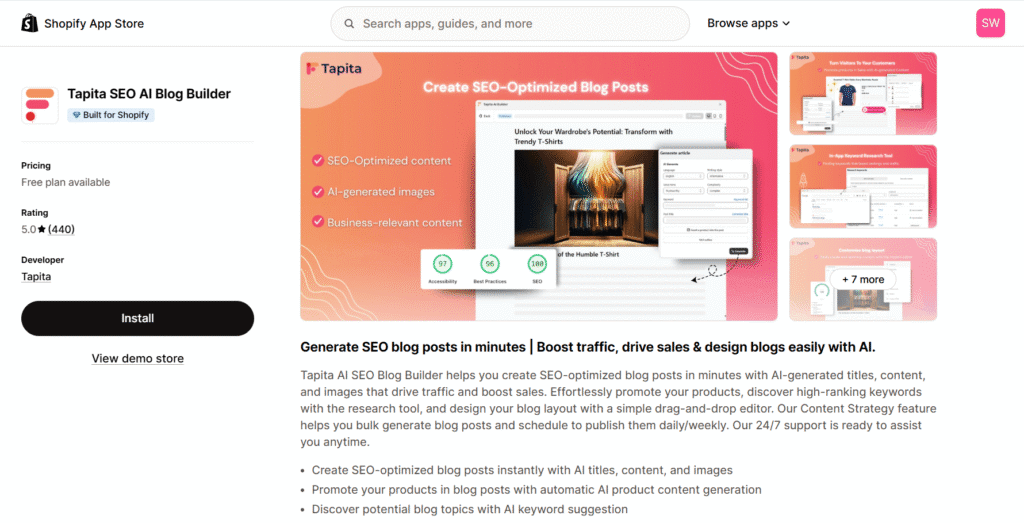
This app is built for one primary purpose: to help you scale your blog-driven SEO strategy with AI. For stores that rely on content marketing to attract customers, Tapita AI Blog Builder is a revolutionary time-saver.
It moves beyond simple metadata generation, offering AI-powered tools to create entire blog posts, from titles and outlines to full drafts with images. Its workflow tools for bulk creation and scheduled publishing are designed for serious content production.
Who Is This App For?
Shopify store owners who are serious about content marketing and want to use AI to significantly increase their article output and organic reach.
Our Verdict
If your growth strategy involves a blog, this app is a must-have. It’s the most focused and powerful AI content solution on the App Store, effectively acting as a dedicated content marketing assistant for your store.
Best Apps for Technical SEO Automation
As your store grows, so does the list of repetitive SEO tasks. These apps use automation to handle the technical work behind the scenes, saving you hours of manual effort.
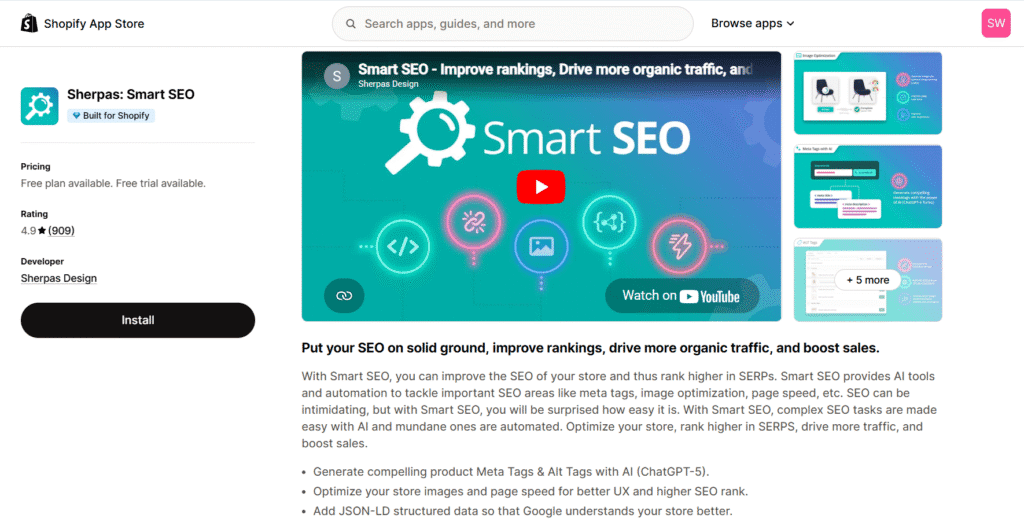
5. Sherpas: Smart SEO
Sherpas: Smart SEO is the top choice for merchants who want to put their technical SEO on autopilot. While it offers AI assistance for writing meta tags, its true power lies in automating these tasks at scale across a large catalog.
It handles the crucial, time-consuming work that growing stores face, such as updating meta tags, generating alt text for thousands of images, managing JSON-LD, and monitoring for broken links.
Who Is This App For?
Growing stores with large product catalogs that need to automate repetitive, ongoing technical SEO maintenance.
Our Verdict
Smart SEO is like hiring a tireless technical assistant. Its “set it and forget it” rules for metadata and alt text save an incredible amount of time, freeing you up to focus on higher-level strategy.
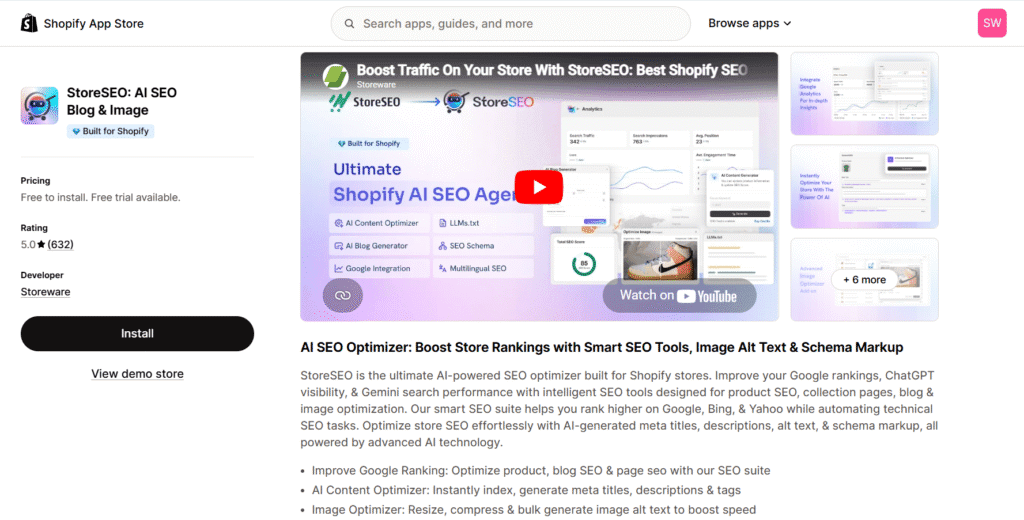
6. StoreSEO: AI SEO Blog & Image
StoreSEO is a powerful automation engine designed to streamline optimization across your entire store—from products and collections to blog posts and images. While it has strong AI features for content, it shines as a technical automation tool. It allows you to create and apply templates for metadata, alt text, and schema markup in bulk, ensuring your entire site remains optimized as you add new products or content.
Who Is This App For?
Merchants who want a single, unified app to manage and automate SEO workflows across all content types on their store.
Our Verdict
StoreSEO is an excellent automation solution. Its ability to handle optimizations for product pages, blog posts, and images from one central hub makes it a highly efficient choice for busy store owners.
Best Comprehensive Suites for Growing Stores
Once you’ve mastered the basics, you need a toolkit with more depth and control. These apps offer a full suite of features for established businesses ready to scale their SEO efforts.
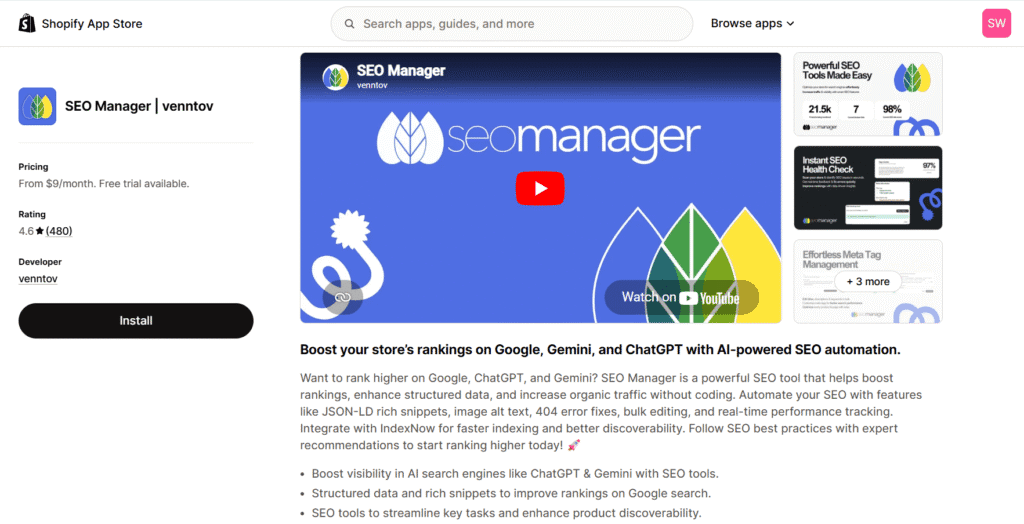
7. SEO Manager
SEO Manager is built for stores that have moved beyond the beginner stage. It offers a deep and comprehensive suite of tools that provide granular control over your SEO strategy. Features like rich snippet testing, 404 error logging, bulk editing, and detailed performance monitoring are designed for merchants who need to fine-tune their approach for maximum impact.
Who Is This App For?
Established, growing stores that need a professional-grade toolkit with advanced features and detailed reporting.
Our Verdict
SEO Manager is the reliable workhorse of Shopify SEO. It has earned its reputation by providing a robust, no-nonsense set of tools that gives serious merchants the control they need to compete in crowded markets.
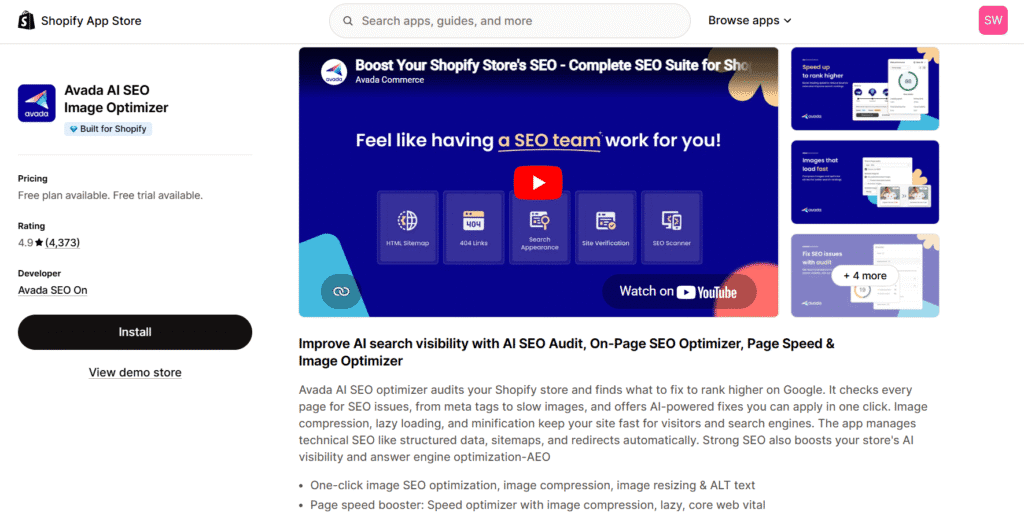
8. Avada AI SEO Image Optimizer
Avada is a modern, feature-rich SEO suite that packs an impressive number of tools into a single package. It’s an ideal choice for growing stores that want an expansive solution. Avada combines detailed SEO audits with AI-powered fixes, advanced image optimization, page speed enhancements, structured data, and broken link detection, making it a powerful contender for merchants ready to invest in a more advanced SEO stack.
Who Is This App For?
Growing stores looking for a comprehensive, modern SEO suite that combines powerful audits with easy-to-implement automated fixes.
Our Verdict
Avada offers tremendous value by bundling nearly every SEO tool you could need into one app. Its combination of a user-friendly interface and a powerful feature set makes it a top choice for scaling your SEO efforts.
How to Choose the Right SEO Shopify App: 3-Step Checklist
Feeling confident in your choice is crucial. Instead of just picking the first app you see, use this simple framework to diagnose your store’s needs and select the perfect tool for the job.
Step 1: Identify Your Single Biggest SEO Problem
Every store has a different starting point. Before you install anything, ask yourself: what is the most urgent issue holding my store back right now?
- Is your site slow to load? Do product images take forever to appear? This points to a need for speed and image optimization.
- Do you have hundreds of products with generic or missing meta descriptions and alt text? This is a classic scaling problem that requires automation.
- Are your search results plain and boring? If you’re not seeing star ratings or price information in Google, you have a structured data (schema) problem.
- Is your blog empty? If you know you need content to attract visitors but don’t have time to write, your biggest problem is content creation.
Step 2: Match the App to Your Problem and Budget
Once you’ve identified your primary challenge, you can map it directly to one of the apps we’ve reviewed. This ensures you’re not paying for features you don’t need.
- If site speed and image optimization are your main concerns, an all-in-one foundation app like Tiny SEO is the perfect starting point.
- If you’re struggling with manual tasks across a large catalog, an automation-focused app like Sherpas: Smart SEO or StoreSEO will save you the most time.
- If scaling blog content is your top priority, your best investment is a specialized tool like Tapita SEO AI Blog Builder.
- If you’re on a tight budget, start with an app that has a generous free plan, like Tapita AI SEO Optimizer.
Step 3: Check for Speed Impact and App Conflicts
Finally, before you click “Install,” do one last check. An SEO app should solve problems, not create new ones. Remember that every app adds code to your store, which can potentially impact performance.
Read recent reviews in the Shopify App Store, specifically looking for comments about site speed or conflicts with popular themes. As our own testing showed, choosing a well-coded, lightweight app is critical for long-term success. This final step ensures the app you choose will be a valuable asset, not a performance bottleneck.
This same principle applies to any app that modifies your storefront. If you’re using a Shopify page builder to create custom landing pages, verifying its speed impact is just as important as checking your SEO app.
The Playbook: Building the Right SEO App Stack for Your Store
As your store evolves, your SEO needs will change. A single app might not cover every advanced requirement. The most successful stores think in terms of an “app stack”—a combination of tools that work together to achieve a specific goal. Here are our expert-recommended stacks for every stage of your business journey.
The “New Store” Starter Stack: Foundation First
For stores in their first year, the strategy is simple: get the fundamentals right. Don’t overcomplicate things with multiple apps. Focus on the core elements that have the biggest impact on rankings and user experience.
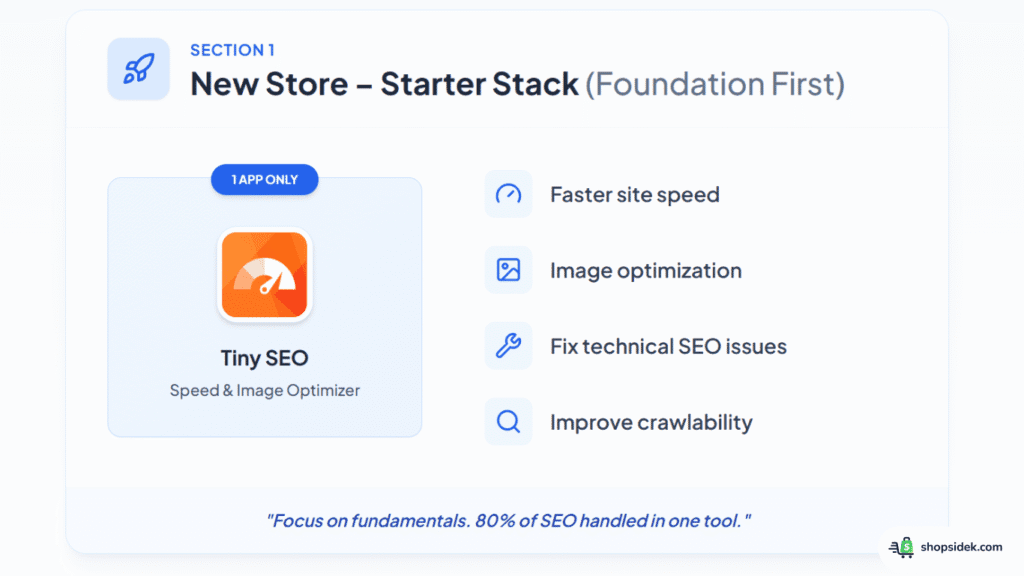
Your Stack: Install Tiny SEO Speed Image Optimizer. It handles 80% of what you need to worry about in your first six months: making your site fast, optimizing images, fixing technical glitches, and ensuring your pages are perfectly crawlable. This single app provides the strongest possible foundation for future growth.
The “Growing Business” Automation Stack: Scale & Save Time
Once your store has hundreds or thousands of products, manual SEO updates become impossible. At this stage, your priority shifts from foundational setup to efficient scaling. This stack combines deep control with powerful automation to save you time.
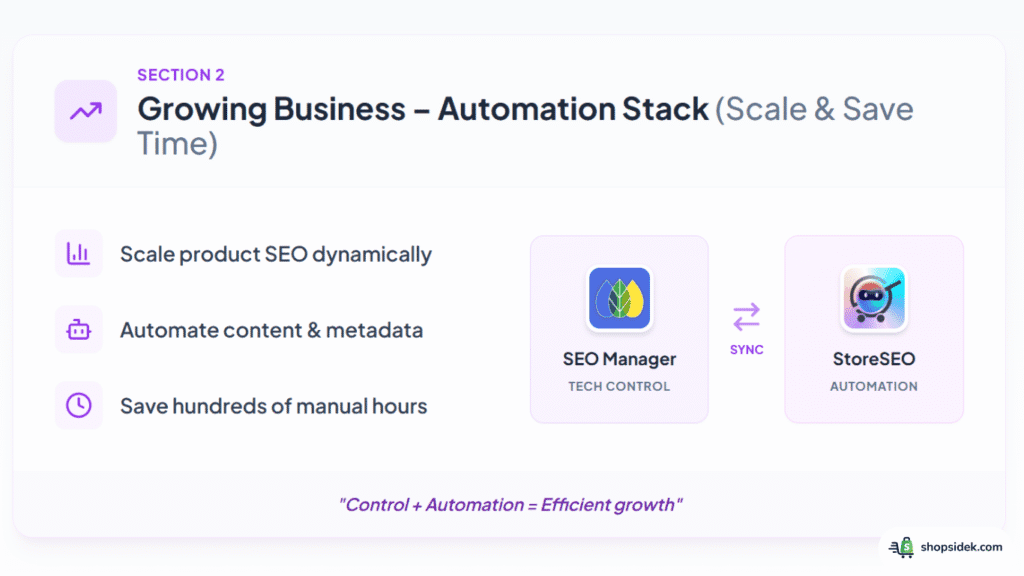
Your Stack: Combine SEO Manager for deep technical control with StoreSEO to automate blog content creation and meta tag updates across your entire catalog. Use SEO Manager to fine-tune your technical SEO and run detailed audits. Let StoreSEO handle the day-to-day work of creating new content and ensuring every product page is optimized without manual input. This is the stack for control and speed.
The “Technical Powerhouse” Stack: Total Control
For large, established stores or those in highly competitive niches, generic solutions are not enough. You need absolute precision, especially with technical elements like structured data. This stack combines a best-in-class specialist app with a professional-grade external tool.
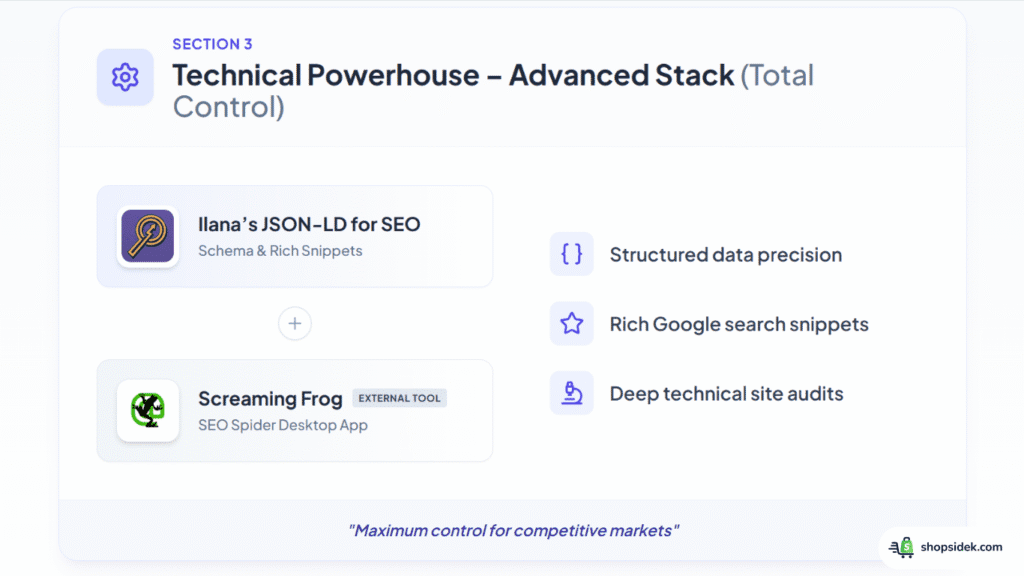
Your Stack: Use Ilana’s JSON-LD for SEO, a specialized app focused solely on providing perfect schema control, to ensure your products get rich snippets in Google. Complement it with an external tool like Screaming Frog SEO Spider for deep, comprehensive site audits that no in-platform app can match. This combination gives you granular control over how you appear in search results and unparalleled insight into your site’s technical health.
Beyond Apps: Your Complete Shopify SEO Toolkit
To truly master your store’s SEO, you need to look beyond the Shopify App Store. The most successful merchants use a combination of apps, native Shopify features, and essential third-party tools. Integrating these resources into your workflow will give you a complete picture of your performance and a significant competitive edge.
Here are the non-negotiable tools that should be part of every Shopify store owner’s toolkit:
Google Search Console & Google Analytics: These free tools from Google are the single source of truth for your SEO performance. Search Console shows you exactly how Google sees your site, which keywords you’re ranking for, and any technical errors it finds. Analytics tells you what visitors do once they land on your store, helping you track traffic and conversions.
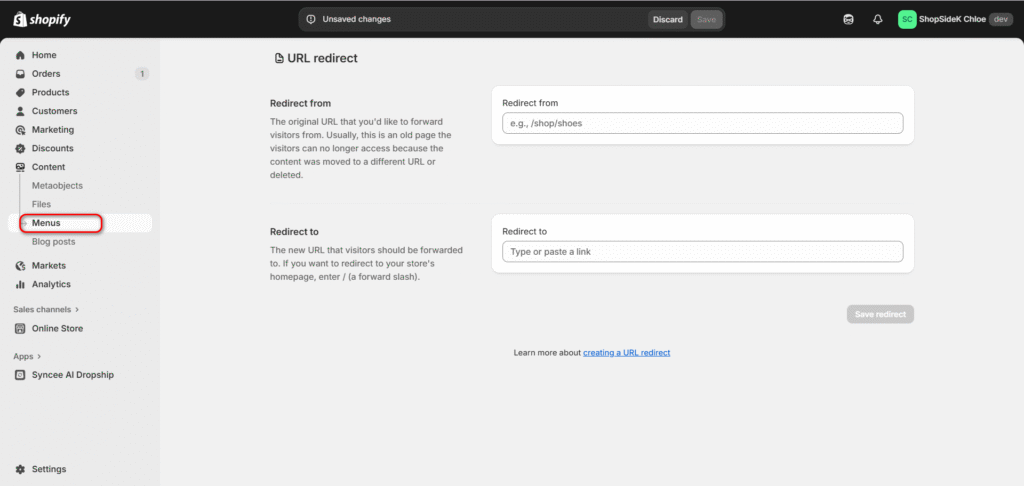
Shopify’s Native Redirect Tool: Before you even think about an app, you should know how to use this powerful built-in feature. Located under Content > Menus, the URL Redirect tool is essential for fixing broken links (404 errors) whenever you change a product URL or delete an old page. Using it properly preserves your SEO authority.
Ahrefs Webmaster Tools: While Shopify apps are great for on-page SEO, they can’t show you what’s happening off your site. Ahrefs Webmaster Tools is a powerful free service that provides insights no app can. It lets you monitor your backlink profile, see a wider range of keyword rankings, and run a comprehensive site audit to catch issues you might otherwise miss.
Conclusion: Your First, Most Important SEO Action
Navigating the world of SEO can feel complex, but the path to attracting more customers starts with a simple foundation: a fast, well-optimized store that search engines and shoppers love. You don’t need a dozen different tools to get started. You just need the right one.
For new store owners, the single most important action you can take is to build that solid foundation from day one. An app like Tiny SEO Speed Image Optimizer automates the most critical tasks, handling site speed, image optimization, and technical fixes so you can focus on your products and customers.
An optimized store is your hardest-working salesperson, working 24/7 to turn searchers into buyers. Combine the power of a great SEO app with Shopify’s world-class eCommerce platform to build a business designed for growth.
Ready to turn searchers into customers? Claim Your 90-Day Free Trial of Shopify and Start Building Today.

Just a heads-up: As a Shopify Media Partner, I may earn a small commission if you sign up. It won’t cost you anything, and it helps me continue providing free resources.
FAQs About Shopify SEO Apps
How many Shopify SEO apps should I install?
As few as possible. The ideal number for most stores is one. Every app you add to your store introduces new code, which can increase the risk of conflicts and slow down your site. It’s far better to choose a single, high-quality, all-in-one app that covers most of your needs than to install several different apps that only perform one task each.
Can a Shopify SEO plugin hurt my site’s speed?
Yes, absolutely. This is one of the most significant risks when choosing an app. A poorly coded or bloated app can add heavy scripts to your store, harming your page load times and Core Web Vitals, which can directly hurt your Google rankings. This is precisely why we included a site speed impact test in our evaluation methodology—to ensure our recommendations help, not hinder, your performance.
Is Shopify good for SEO out of the box?
Based on the stores I’ve worked on, Shopify provides an excellent SEO foundation. It has clean code, mobile-responsive themes, and makes it easy to edit basics like page titles and meta descriptions. However, to truly compete and scale, you need an app.
Shopify SEO apps unlock advanced features and, most importantly, automation. They handle tasks like image compression, structured data (schema), and fixing broken links at a scale that would be impossible to manage manually. Think of it this way: Shopify gives you a great car, but an SEO app is the turbocharger that unlocks its full performance potential.