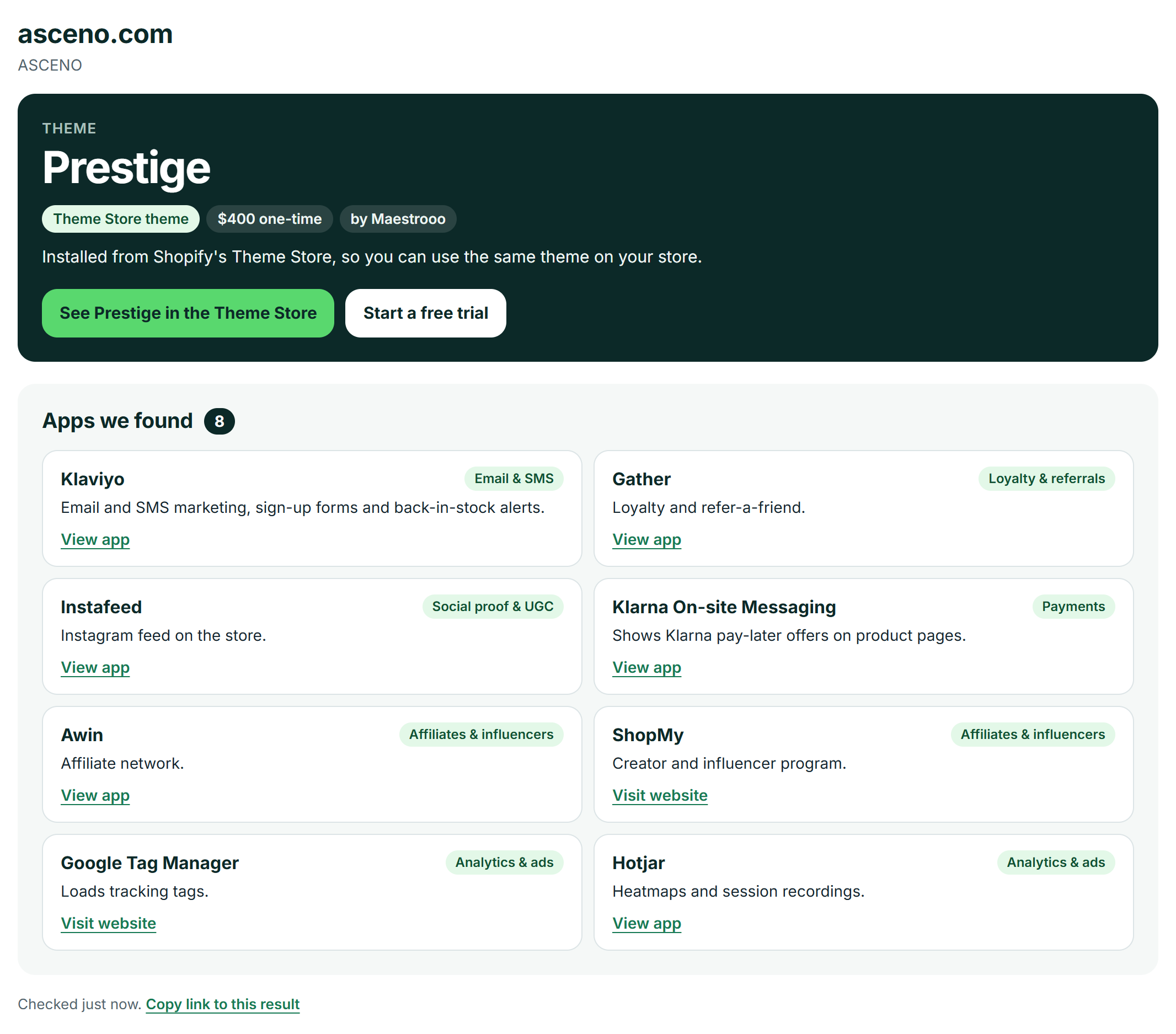
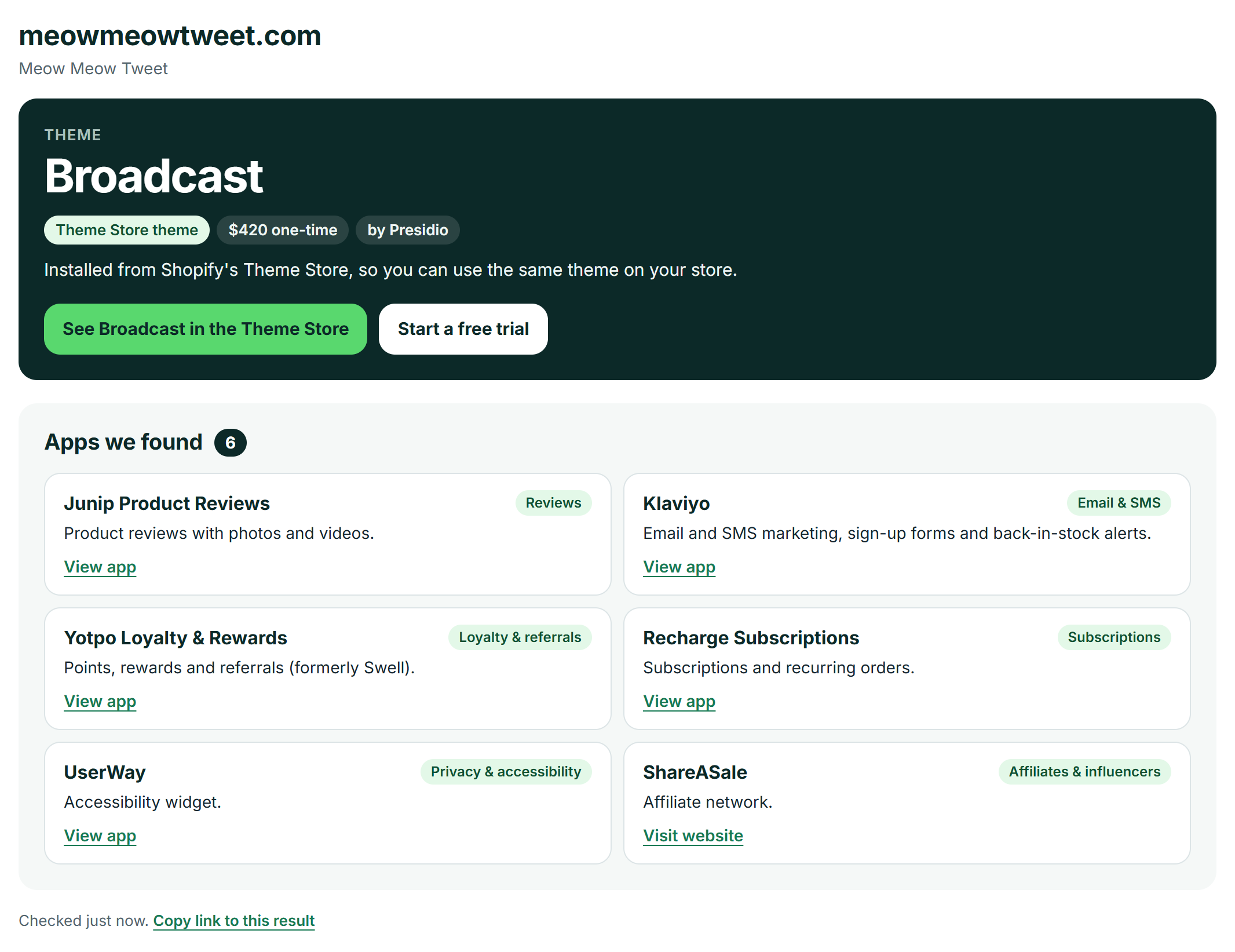
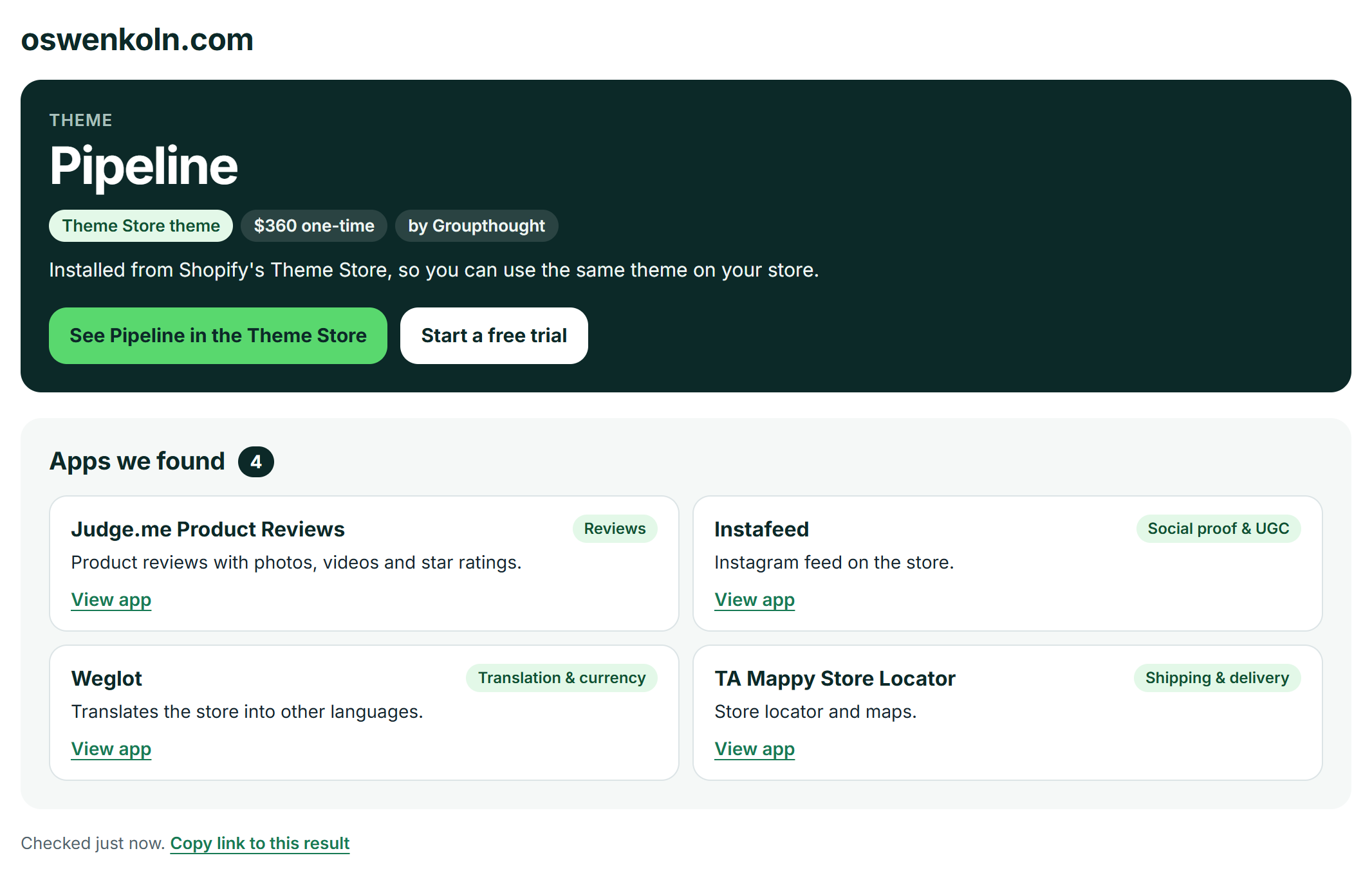
Ever wonder what makes a top Shopify store tick? Our free Shopify theme detector instantly reveals the exact theme and key apps powering any website. Paste a URL below to uncover the technology behind your favorite brands, find design inspiration, and gain a competitive edge for your own store.
How to Find What Shopify Theme a Store is Using in 5 Seconds
Uncovering a store’s core technology is a simple three-step process. Our tool scans the site’s source code in real-time to give you an instant, accurate answer, saving you from complex manual checks.
- Step 1: Copy the Store URL
Navigate to the Shopify store you want to inspect and copy the full web address (URL) from your browser’s address bar.
- Step 2: Paste and Detect
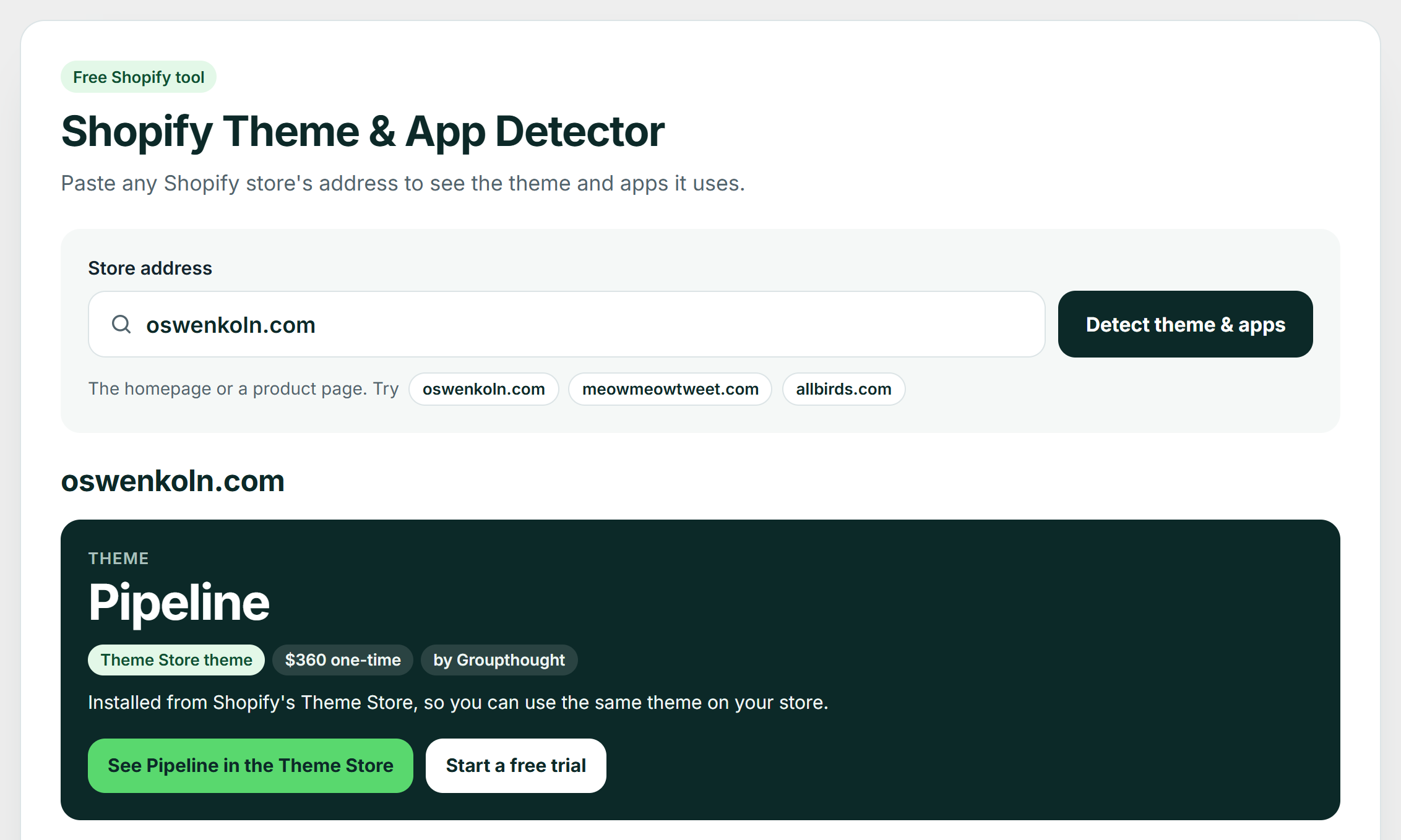
Return to our detector, paste the link into the search field above, and click the “Detect theme & apps” button. A homepage works, and so does a product page, which is where review apps show up. The scan takes 5 to 15 seconds.
- Step 3: View Your Results
You’ll see the theme’s name, who made it and what it costs, plus the apps the store runs, each with a one-line summary of what it does. We link to the theme’s page on the Shopify Theme Store and each app’s page on the Shopify App Store, so you can explore and install them with one click.
Your Results Are In. Here’s What to Do Next (A Strategic Guide)
Detecting a theme is just the first step. The real value comes from turning the information from our Shopify theme detector into a winning strategy for your own store. Depending on your result, your next move will be different. Here’s a simple playbook for translating inspiration into action.
Result 1: You Found an Official Shopify Theme (e.g., Impulse, Prestige, Dawn)
To me, this is the most straightforward and often the best-case scenario. It means the store is using a theme available directly from the Shopify Theme Store, and you can buy or install it yourself. Our tool provides a direct link to the theme’s page, where you can see its price, features, and reviews.
Before you commit, evaluate if it’s the right fit for your brand. It’s worth remembering that a great theme for one store might not be perfect for another. Use this quick checklist:
- Check the Reviews: What do other merchants say? Look for comments on feature flexibility, performance, and the quality of customer support.
- Explore the Demos: Every official theme has multiple demo stores. Do they match the aesthetic you’re aiming for? Test the mobile experience, as most of your traffic will come from smartphones.
- Match Features to Your Needs: Does the theme have built-in features you need, like a “quick view” for products or advanced collection filtering? Relying on a theme’s native features is often better than adding too many third-party apps.
Themes like Dawn, Craft, and Symmetry offer incredible functionality out of the box, while premium themes like Impulse and Prestige are favorites among high-growth apparel and lifestyle brands.
💡If you want to skip the guesswork, you can also use our Shopify theme matchmaker to get personalized recommendations based on your store’s specific needs.
Result 2: The Store Uses a Customized Official Theme
You’ll often find that a successful store started with a popular theme but then modified it. This means they hired a developer to add custom sections, change the layout, or integrate unique functionality. While you can’t get their exact design with a single click, you can absolutely achieve a similar high-end result.
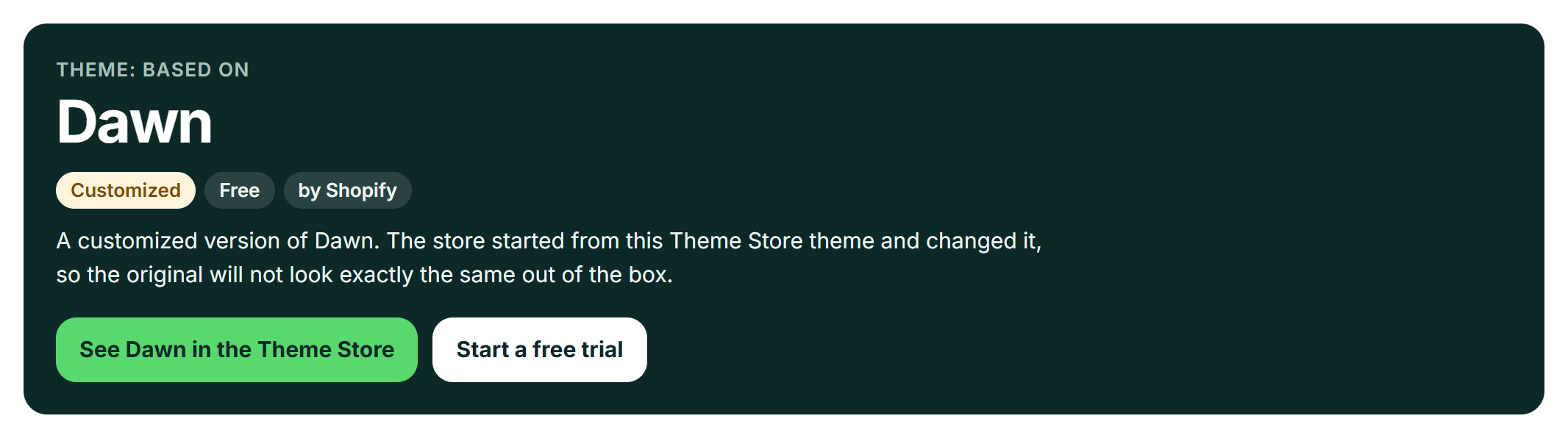
Our detector tells you when this is the case: it labels the theme “Customized” and names the Theme Store theme the store started from, such as Dawn or Prestige, with a link to it. You can start from the same base.
The secret is to pair a great base theme with a powerful page builder app. This approach gives you the creative freedom of a custom design without the high cost of hiring a developer. You can start with a theme like Impulse and then use a drag-and-drop tool like PageFly to create unique product pages, landing pages, and collection layouts. This strategy gets you 80% of the custom look for a fraction of the budget.
You can achieve a similar custom look by pairing a premium theme with a powerful page builder. Try Shopify free and explore best-in-class themes and apps.
Result 3: It’s a Fully Custom-Built Theme (Like Allbirds & Gymshark)
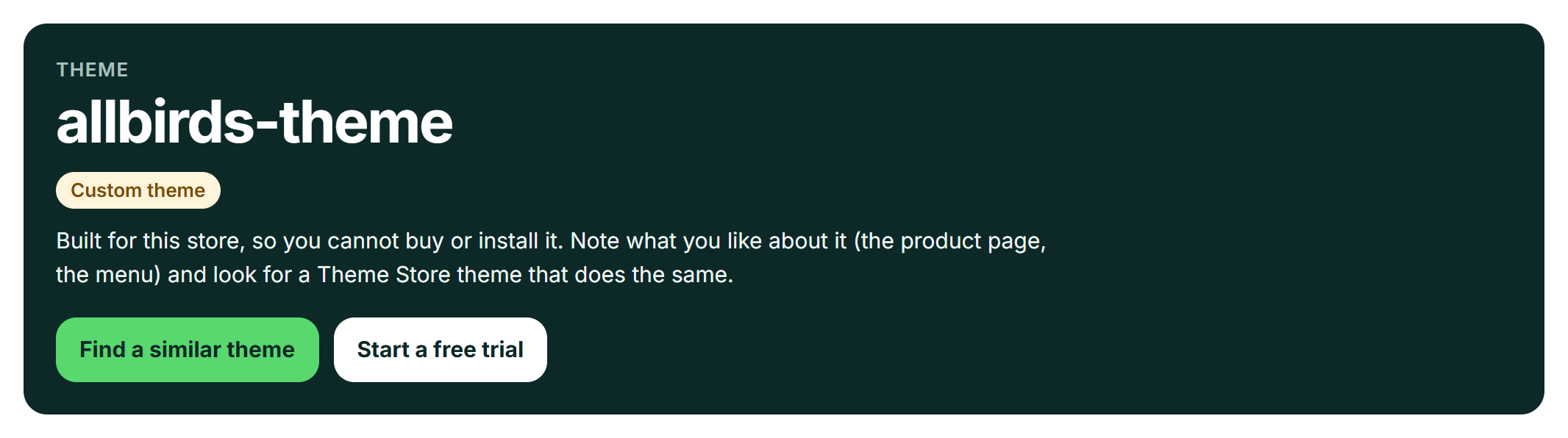
If our Shopify theme detector labels the theme a “Custom theme” and shows a name like the brand’s own (Allbirds’ is called “allbirds-theme”), the brand has an in-house development team or hired an agency to code their site from the ground up. Enterprise-level brands like Allbirds and Gymshark invest tens of thousands of dollars into themes that are completely unique to their business.
In my opinion, for most entrepreneurs, trying to replicate this is unnecessary and financially impractical. Instead, treat these sites as pure inspiration.
Don’t focus on copying the entire site. Instead, analyze what you admire about it.
- Is it the product page layout?
- The unique navigation?
- The way they blend content and commerce?
Identify those specific elements, then look for a premium theme like Impulse or Prestige that offers similar features and functionality right out of the box. This allows you to adopt their strategic thinking without needing their massive budget.