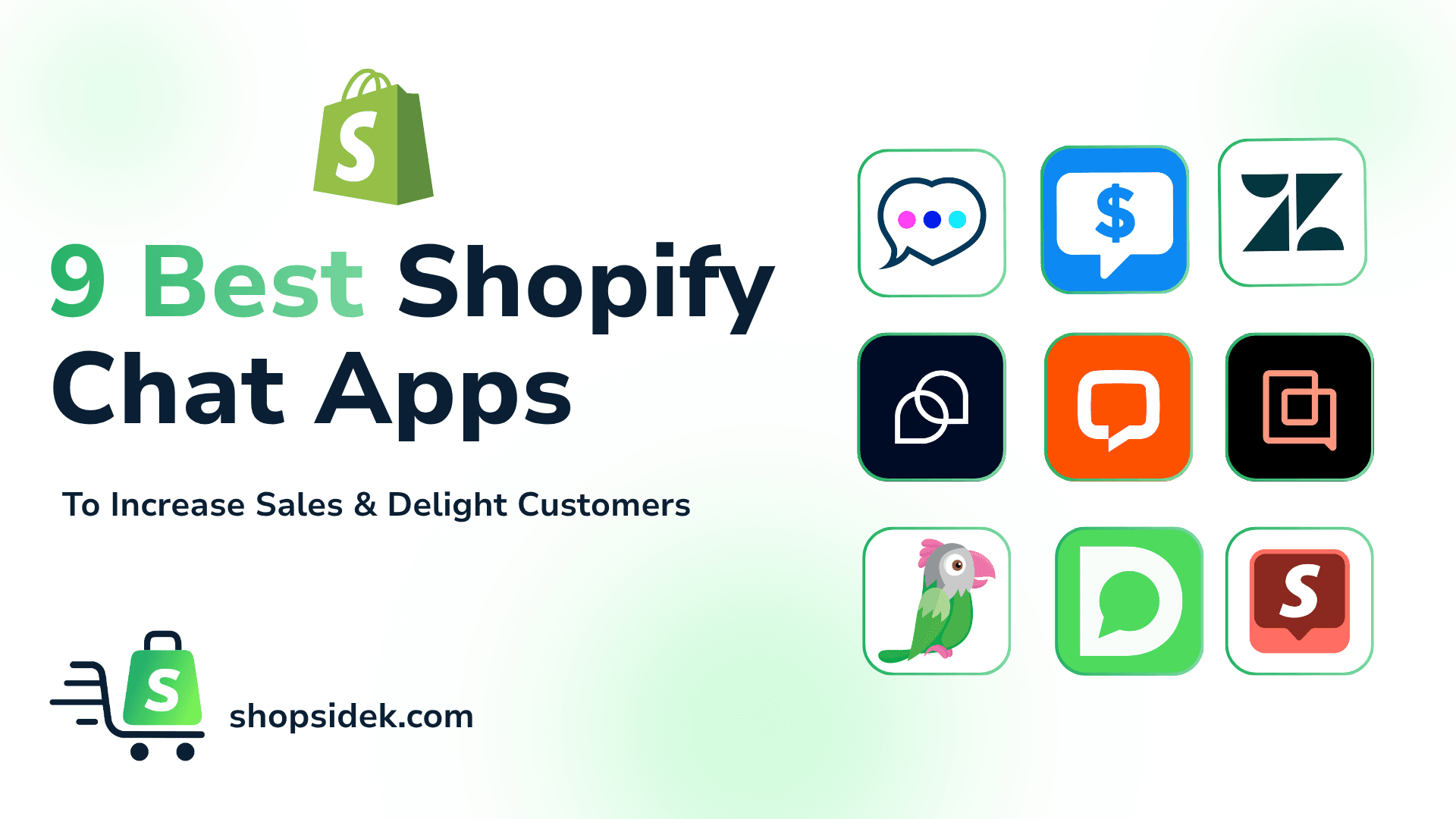
Every conversation with a customer is an opportunity. It’s a chance to solve a problem, build trust, and ultimately, drive a sale. But with over 600 Shopify chat apps in the App Store, turning those opportunities into conversions can feel overwhelming. How do you choose the right one?
This guide cuts through the noise. We’re not just listing features; we’re matching the best tools to your specific business stage. Whether you’re launching your first store, managing growing sales, or scaling a global brand, you’ll find the right solution here to help you stop just answering questions and start building relationships that grow your business.
Quick Comparison: Which Shopify Chat App is Right For You?
For those in a hurry, this table breaks down our top picks for Shopify chat apps.
| App Name | Shopify Rating | Best For | Starting Price | Free Plan Limitation |
|---|---|---|---|---|
| Shopify Inbox | 4.7/5 (5,320+ reviews) | New stores wanting a free native Shopify chat | Free forever | Lighter automation than dedicated chat/helpdesk tools. |
| Tawk.to | 3.2/5 (86+ reviews) | Teams needing unlimited free agents | Free forever | Free core platform; add-ons like AI Assist/branding removal cost extra. |
| Tidio | 4.8/5 (1,200+ reviews) | Small teams wanting chat + AI in one tool | Free, paid plans from $29/mo | Limited to 50 live chat conversations per month. |
| Carti | 5.0/5 | AI sales assistant powered by customer reviews | Free, paid plans from $49/mo | 50 AI conversations per month. |
| LiveChat | 4.8/5 (48+ reviews) | Stores wanting human-led proactive sales chat | From $24/mo | No free plan; only a 30-day trial. |
| Gorgias | 4.3/5 (630+ reviews) | Growing brands needing an ecommerce helpdesk | From $10/mo | No free plan; priced for scaling businesses. |
| Zendesk | 3.4/5 (84+ reviews) | Larger teams needing omnichannel support at scale | From $55/mo | No free plan; can be complex and costly for smaller stores. |
| Dondy | 4.8/5 (770+ reviews) | Brands prioritizing WhatsApp sales and support | Free, paid plans from $6.99/mo | Free tier is mainly a WhatsApp button/widget. |
| Chatra | 4.7/5 (300+ reviews) | Teams wanting simple live chat with visitor monitoring | Free, paid plans from $31/mo | Free plan is one agent and 5 chats/month. |
Best Shopify Chat Apps for New Stores & Startups
When you’re just starting, every dollar counts. Your focus is on getting your first sales and building momentum, not managing complex software. The chat apps in this category are perfect for new merchants because they are simple to set up, easy to use, and—best of all—completely free.
💡Looking for more tools to round out your stack? Our guide to the best free Shopify apps covers everything from design to marketing—all without a monthly fee.
1. Shopify Inbox: Best 100% Free & Native Option
For any new store owner, I always suggest that Shopify Inbox should be your default starting point. Developed by Shopify itself, it’s a 100% free and native tool that integrates seamlessly into your business operations. You can manage customer conversations from your desktop or mobile device, all from within the familiar Shopify Admin.
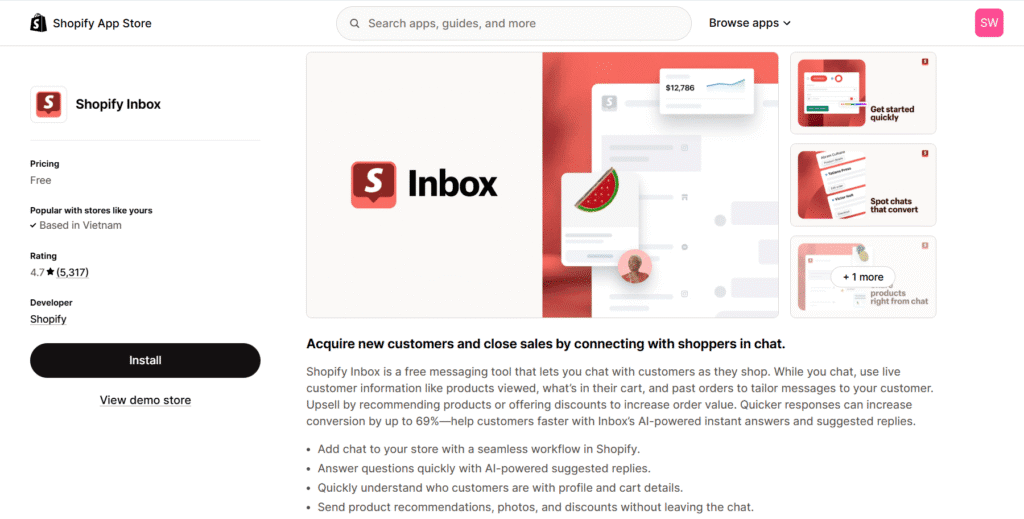
Inbox makes it easy to send automated greetings, provide quick answers to common questions, and even share products or discount codes directly in the chat. Its biggest advantage is its simplicity. However, it lacks advanced automation and chatbot features, making it best suited for stores with lower chat volume. As your business grows, you’ll likely need to upgrade, but there’s no better or easier way to get started.
Key Info:
- Pricing: Free forever
- Shopify Rating: 4.7/5 stars (5,320+ reviews)
- Best For: New stores wanting a free native Shopify chat
2. Tawk.to: Best Free App for Multiple Team Members
If your startup has a co-founder or an early team member helping with customer questions, Tawk.to is the most powerful free option available. Its standout feature is something no other app on this list offers for free: unlimited agents. You can have your entire team on board without ever paying a subscription fee.
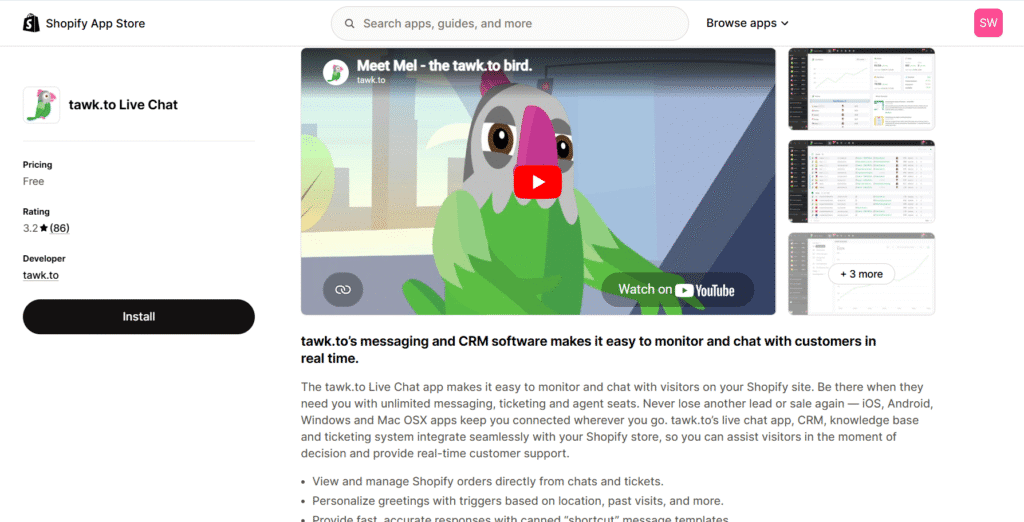
Beyond that, Tawk.to provides a surprisingly robust set of free tools, including a built-in knowledge base and the ability to monitor website visitors in real-time. The trade-off for this powerful free offering is that the user interface can sometimes feel less polished than paid alternatives. Still, for a team on a bootstrap budget, it’s an unbeatable value.
Key Info:
- Pricing: Free forever
- Shopify Rating: 3.2/5 stars (86+ reviews)
- Best For: Teams needing unlimited free agents
Top Shopify Live Chat Apps as Your Business Grows
Once your store has consistent traffic and a steady stream of orders, your needs change. It’s no longer just about answering questions; it’s about managing conversations efficiently, automating repetitive tasks, and proactively turning browsers into buyers.
The tools in this section are designed to help you make that leap, offering powerful features that save time and drive revenue. Some tools focus on helping human agents sell more efficiently, while newer AI sales assistants can handle much of the pre-purchase conversation automatically.
3. Tidio: Best All-in-One Solution for Small, Growing Teams
To me, Tidio is the perfect first upgrade from a free chat app. It masterfully combines live chat, AI-powered chatbots, and email marketing into a single, affordable platform. Its standout feature is the visual chatbot builder, which allows you to create sophisticated automations—like recovering abandoned carts or offering discounts—without writing a single line of code.
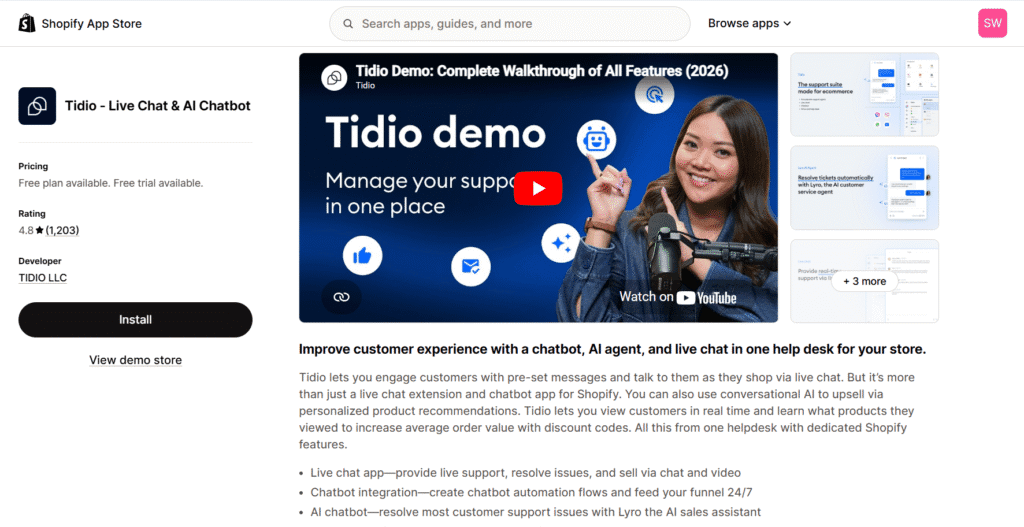
For teams looking to scale without hiring more staff, Tidio’s Lyro AI agent is a game-changer. It uses conversational AI to learn your store’s data and answer up to 70% of customer questions automatically. This level of automation has a direct impact on the bottom line. For example, the eyewear brand eye-oo saw their revenue increase by €177,000 after implementing Tidio to automate their sales and support processes, all while significantly reducing their average response time.
💡 We cover Tidio’s Lyro AI and other AI-powered apps in depth in our guide to the best Shopify AI tools for store growth.
While Tidio offers a free plan, it’s essential to understand its limitations. The “True Cost of Free” becomes apparent once you exceed 50 live chat conversations per month. For any growing store, this limit will be reached quickly, requiring an upgrade to a paid plan. This is a natural step for a business ready to invest in a tool that actively helps it scale.
Key Info:
- Pricing: Free plan available; paid plans start at $29/mo
- Shopify Rating: 4.8/5 stars (1,200+ reviews)
- Best For: Small teams wanting chat + AI in one tool
4. Carti: Best for Turning Your Reviews Into Sales
Most AI chat apps learn from your store content. Carti stands out by bringing your customer reviews into those answers. It learns from your entire store, including your products, policies, and collections. It also connects to Judge.me, Yotpo, Loox, Fera, and more. So when a shopper asks whether the Wool Blazer runs small or the Linen Sheets really sleep cool, Carti answers using reviews from buyers who addressed exactly that.
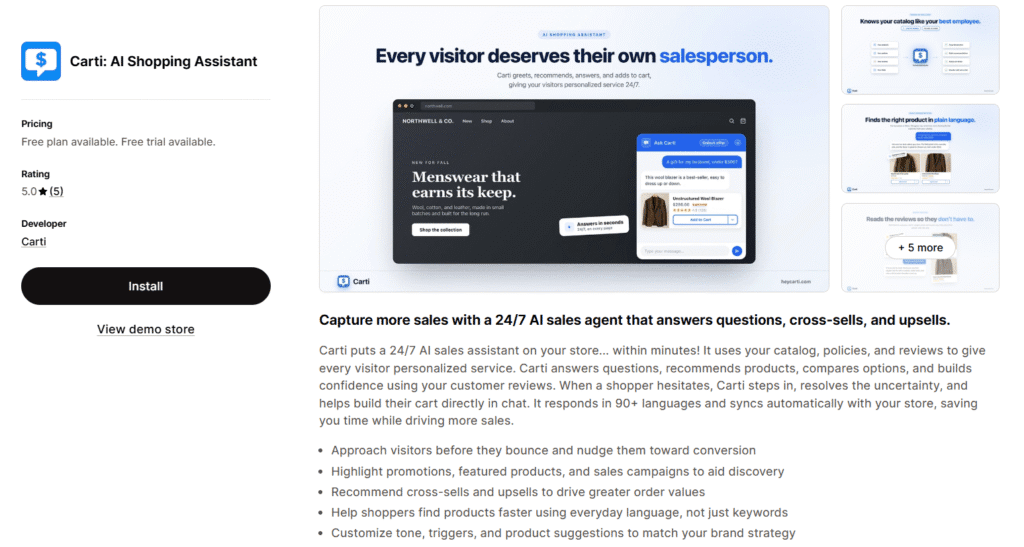
That focus makes Carti particularly strong as a pre-purchase sales assistant rather than a traditional support tool. It recommends products from your catalog, handles objections with real customer evidence, proactively engages visitors, and tracks the revenue generated by every conversation.
Getting started only takes five minutes and requires no code. Once installed, Carti works out of the box in 90+ languages and 15+ currencies. Most importantly, it delivers results: Fans of Free lifted its overall conversion rate by 35% after installing it.
The main trade-off is that Carti is a newer app, launched in late 2025, and is designed as a sales assistant rather than a full helpdesk. Larger teams may still want Zendesk or Gorgias for broader customer support, but Carti integrates with both for a simple handoff.
Key Info:
- Pricing: Free plan (50 AI conversations/month), paid plans from $49/month with a 14-day trial
- Shopify Rating: 5.0/5 stars
- Best For: Stores that want their reviews to drive more sales
5. LiveChat: Best for Human-Led Proactive Sales Chat
If your primary goal is to turn conversations into sales, LiveChat is built for you. It excels at proactive engagement, allowing your team to go beyond simply reacting to customer questions. You can set up automated chat invitations on high-intent pages, like when a customer is lingering on the checkout page or viewing a high-value product.
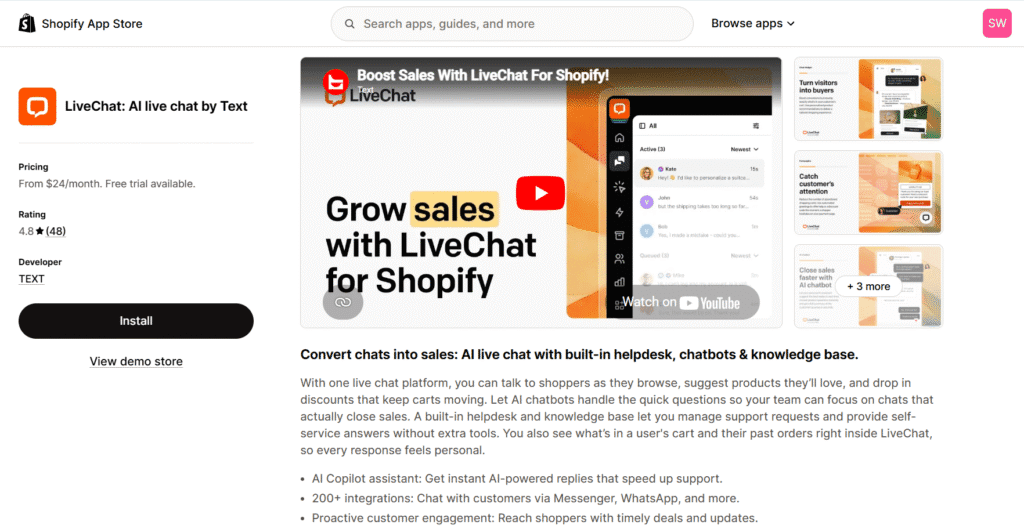
Its most powerful sales feature is the ability to send interactive “product cards” directly in the chat window. This lets customers browse and add items to their cart without ever leaving the conversation, creating a seamless and high-converting shopping experience.
With strong integrations with tools like Omnisend and WhatsApp, LiveChat fits perfectly into a sales-focused tech stack. To choose the right email marketing platform to pair with your chat tool, see our in-depth comparison.
Luxy Hair, for example, used LiveChat to provide personalized consultations for customers struggling to choose the right hair extensions. By using chat to guide the shopping journey, they found that nearly 30% of their total revenue came from customers who engaged with their team via chat.
Key Info:
- Pricing: Starts from $24/mo
- Shopify Rating: 4.8/5 stars (48+ reviews)
- Best For: Stores wanting human-led proactive sales chat
🏷️ Exclusive Deal: 30-day free trial and 10% OFF for the first month. Only available when signing up through our link.
For a deeper dive into its cart-tracking tools, product cards, and real-world ROI, check out our full LiveChat Shopify app review.
Best Shopify Customer Service Apps for Scaling Brands
When your brand is established, customer service becomes a different challenge. You’re dealing with a high volume of inquiries from multiple channels—email, social media, and on-site chat. The goal is no longer just answering questions, but doing so with maximum efficiency. The apps in this category are true helpdesks built for automation, deep integration, and performance.
6. Gorgias: Best Integrated Helpdesk Built Specifically for Shopify
Think of Gorgias as the ultimate command center for a high-volume Shopify store. Its power comes from its incredibly deep integration with Shopify, which allows support agents to view order history, edit shipping details, and even issue refunds directly from within the helpdesk. This eliminates the need to constantly switch between tabs, saving your team valuable time on every ticket.
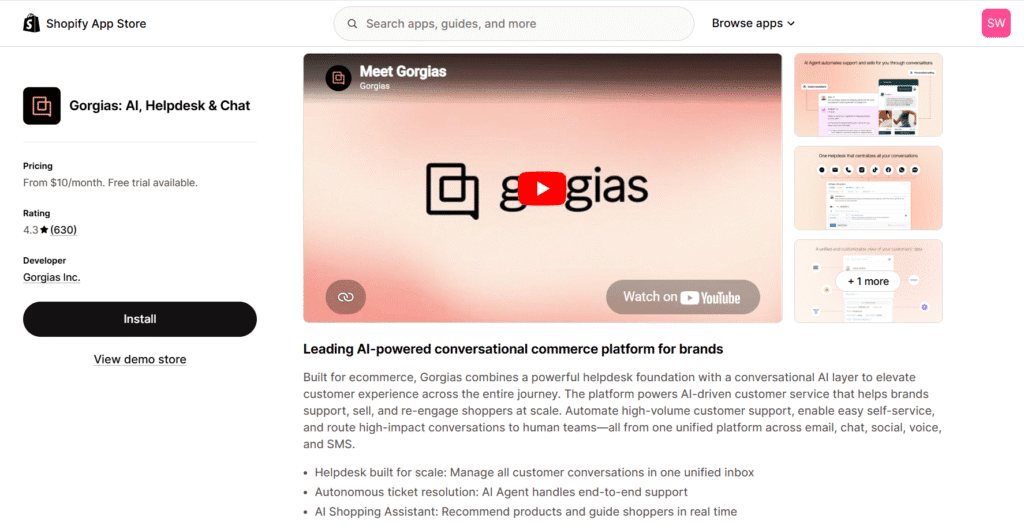
Gorgias unifies conversations from every channel—live chat, email, and social media comments on Facebook and Instagram—into a single, consistent ticket view. For example, the popular clothing brand Tommy John used Gorgias’ automation features to handle repetitive questions, which helped their CX team drive $106,000 in sales in just two months by focusing on high-impact customer conversations.
Key Info:
- Pricing: Starts from $10/mo
- Shopify Rating: 4.3/5 stars (630+ reviews)
- Best For: Growing brands needing an ecommerce helpdesk
7. Zendesk: Best Omnichannel Solution for Enterprise-Level Scaling
For brands scaling their operations beyond a single platform, Zendesk is the ultimate enterprise-grade solution. Instead of just a simple chat widget, it offers a unified agent workspace that pulls customer interactions from live chat, email, social messaging, and even phone support into one continuous thread. This omnichannel approach ensures your team never loses context, no matter how a customer chooses to reach out.
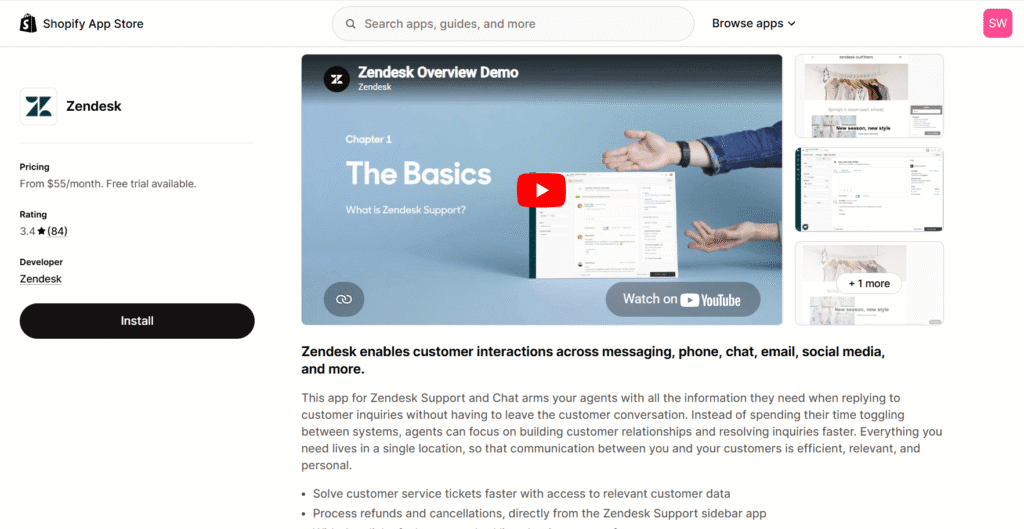
When it comes to functionality, Zendesk’s deep Shopify integration is a massive time-saver. Support agents can view real-time billing history, track shipping statuses, and process refunds directly from the chat window without ever switching tabs. Additionally, you can deploy Zendesk AI bots to instantly handle repetitive queries, capture lead information upfront, or automatically route high-value customers to the right specialized agent based on their intent.
The home decor brand Spoonflower leveraged Zendesk to engage customers during complex purchases, discovering that their conversion rate in chat was nine times higher than for shoppers who didn’t use the chat feature.
💡To further boost conversion rates alongside live chat, pairing it with customer reviews is one of the most effective strategies for building trust with new visitors.
Key Info:
- Pricing: Starts from $55/mo
- Shopify Rating: 3.4/5 stars (84+ reviews)
- Best For: Larger teams needing omnichannel support at scale
Specialized Shopify Chat Tools for Advanced Strategies
For merchants looking to gain a competitive edge, standard live chat is just the beginning. The tools in this section offer specialized capabilities, allowing you to connect with customers through non-traditional channels or gain deeper analytical insights into their on-site behavior. These are for brands ready to implement more advanced strategies to stand out from the competition.
8. Dondy: Best for Reaching Customers on WhatsApp
Dondy’s strategy is simple but powerful: connect with customers where they already are—on WhatsApp. Instead of keeping the conversation limited to your website, Dondy moves it to the world’s most popular messaging app, where open rates often exceed 90%. This is a game-changer for mobile-first stores and brands with a large international audience where WhatsApp is the primary mode of communication.
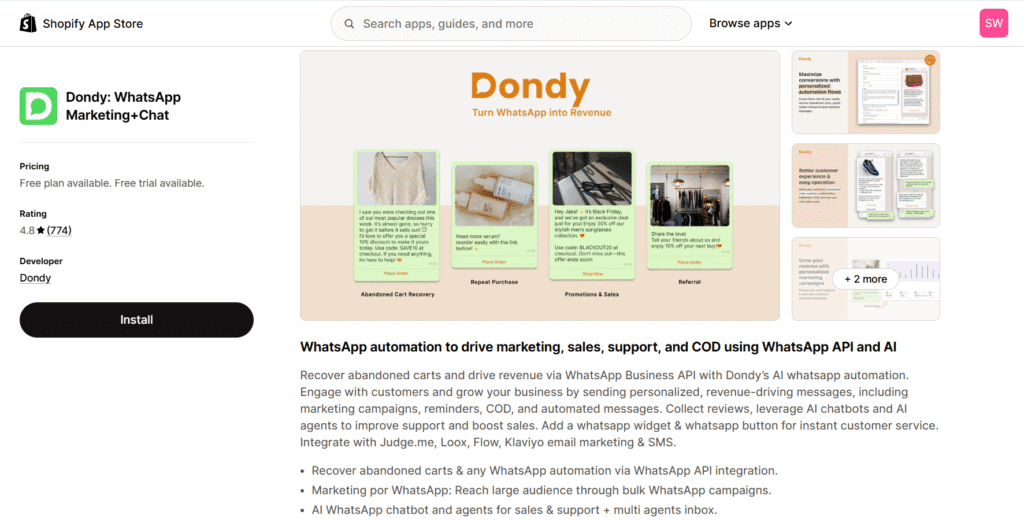
The platform excels at high-impact automation that traditional email marketing often misses. You can deploy automated abandoned cart recovery campaigns, send real-time shipping notifications, and launch targeted marketing broadcasts directly to customers’ phones. This turns a simple messaging app into a proactive revenue driver.
For example, the nutrition brand Fit Piggy implemented Dondy to bridge the gap between soul food and functional nutrition. By using WhatsApp marketing and smart segment campaigns, they achieved a 26% abandoned cart recovery rate and a staggering 35x Return on Ad Spend.
Key Info:
- Pricing: Free plan available; paid plans start at $6.99/mo
- Shopify Rating: 4.8/5 stars (770+ reviews)
- Best For: Brands prioritizing WhatsApp sales and support
💡To bring more customers into your WhatsApp funnel, you can also use tools like Wapp.Chat to create click-to-chat links or QR codes for packaging, in-store displays, and offline campaigns.
9. Chatra: Best for Gaining Insights on Visitor Behavior
Chatra is the perfect tool for the data-driven merchant who wants to understand not just what customers are asking, but how they are behaving. Its unique analytics features provide a level of insight that most other chat apps simply don’t offer.
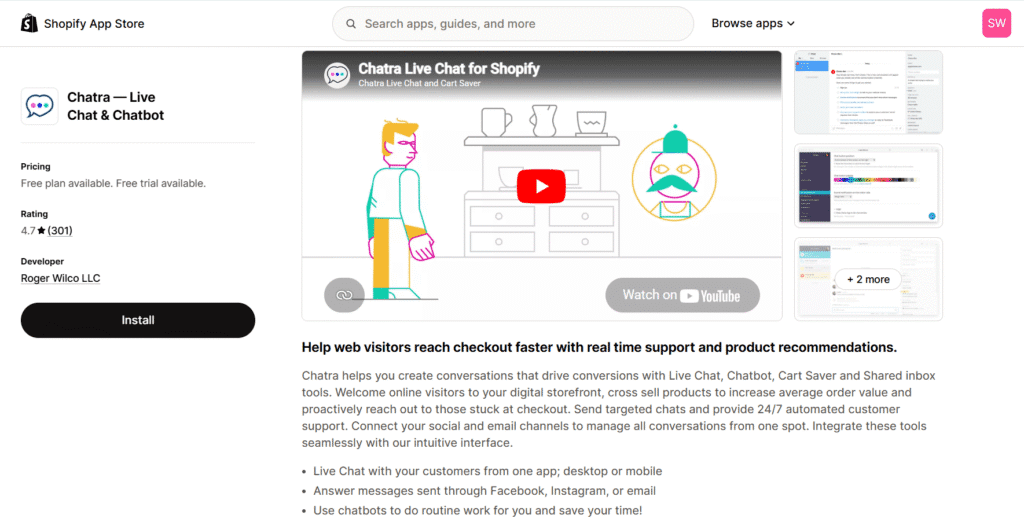
For example, its real-time visitor list shows you who is on your site, which pages they’re viewing, and—most importantly—what’s already in their shopping cart. This context allows for highly personalized and effective engagement. Even more impressive is the “typing insights” feature, which lets your agents see what a customer is typing before they hit send. This gives your team a head start on complex questions, allowing them to prepare answers and respond faster than ever.
Key Info:
- Pricing: Free plan available; paid plans start at $31/mo
- Shopify Rating: 4.7/5 stars (300+ reviews)
- Best For: Teams wanting simple live chat with visitor monitoring
How to Add Live Chat to Your Store (Without Overwhelming Your Team)
The idea of being available for live chat can be intimidating. The fear of being tied to your desk all day answering a flood of questions is real. However, a smart rollout strategy can give you all the benefits of live chat without the burnout.
Based on best practices from top eCommerce brands, here is a simple, three-step playbook for a successful and manageable launch.
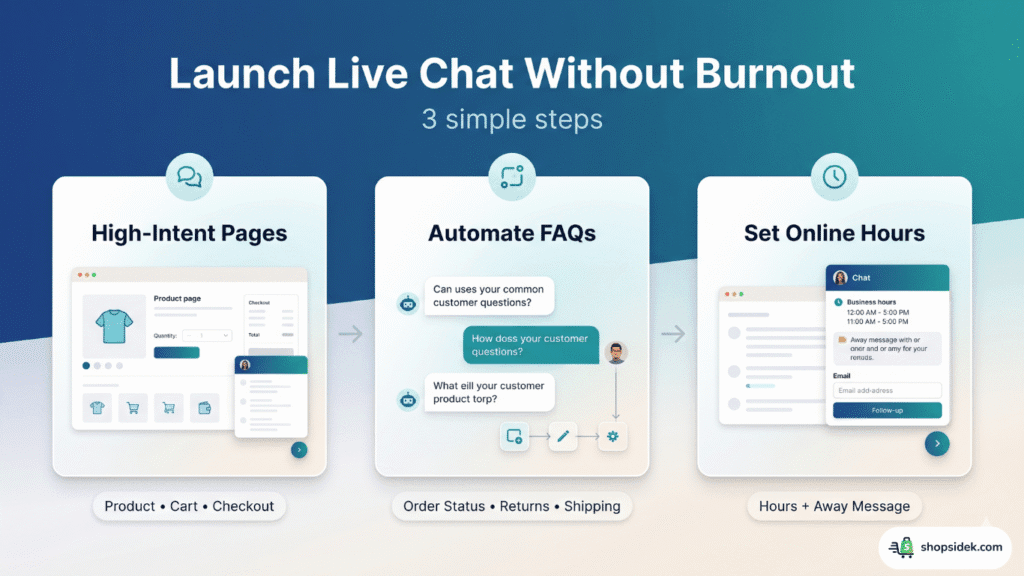
Step 1: Start on High-Intent Pages Only (Product & Checkout Pages)
Your first instinct might be to put the chat widget on every page of your site. Resist it. Instead, focus your efforts where they will have the most impact on your bottom line: on high-intent pages.
Start by enabling your chat widget only on product pages, the cart page, and at checkout. This is where customers are closest to making a purchase and most likely to have a question that, if unanswered, could lead to an abandoned cart. By focusing here first, you dedicate your limited time to the conversations that are most likely to convert into sales.
💡 Speaking of high-intent pages: pairing your live chat with a smart upsell app on product and cart pages is one of the most effective ways to increase your Average Order Value alongside real-time support.
Step 2: Automate Replies for Your Top 3 Questions
You’ll probably notice that most customer inquiries are repetitive. Questions like “Where is my order?” (often called WISMO), “What’s your return policy?”, or “How much is shipping?” likely make up the bulk of your requests. Answering these manually is a huge drain on your time.
Before you go live, use your chat app’s automation features to set up instant answers for your top three most common questions. Tools like Tidio and Gorgias make this easy with chatbot workflows. This simple step filters out the easy questions, freeing you up to personally handle more complex, sales-focused conversations that require a human touch.
Step 3: Set Clear “Online” Hours to Manage Customer Expectations
Personally, I think you do not need to be available 24/7 to offer great support. In fact, it’s far better to provide excellent service during a set window than mediocre service all the time.
Be realistic about your availability and set clear “online” hours within your chat app. This will display your business hours directly on the widget, so customers know exactly when they can expect a live response. For off-hours, configure an automated away message that collects the visitor’s email and promises a reply the next business day. This manages expectations and turns a potentially missed opportunity into a valuable lead.
Final Verdict: Our Top Recommendation, By Business Stage
Choosing the best Shopify chat app comes down to matching the tool to your business’s current needs. To make the decision as simple as possible, here are our top recommendations tailored to each stage of your growth.
For New Stores: Start with Shopify Inbox. It’s 100% free, integrates perfectly with your store, and has everything you need to handle your first customer conversations without any complexity or cost.
For Growing Stores: Our top pick is Tidio. It offers the best all-around balance of powerful AI chatbots, user-friendly automation, and an affordable price point, making it the perfect platform to help you scale efficiently.
For Sales-Focused Stores: Choose Carti if your biggest opportunity is converting more product-page visitors. Its ability to use real customer reviews when answering pre-purchase questions makes it especially useful for overcoming objections and helping shoppers make purchase decisions.
For Scaling Brands: We recommend Gorgias. It is the ultimate, deeply integrated helpdesk built specifically for high-volume Shopify stores. Its ability to manage all support channels in one place and perform Shopify actions directly from the ticket will transform your team’s efficiency.
💡 Once you have customer service dialed in, the next growth lever is building an affiliate marketing program — turning happy customers and creators into a performance-based sales force that works 24/7.
Ready to turn conversations into customers? Start your free Shopify trial today👇and install our top-recommended chat app in minutes to see the impact firsthand.

Shopify Chat Apps FAQ
What is the difference between live chat and a chatbot?
Live chat is a real-time conversation between a customer and a human support agent. A chatbot is an automated program that simulates human conversation using pre-set rules or artificial intelligence (AI) to answer common questions. Most modern chat apps combine both: a chatbot can handle initial, repetitive queries and then pass the conversation to a live agent for more complex issues.
Can live chat really increase my store’s sales?
Absolutely. Live chat removes friction from the buying process by providing instant answers to questions that could otherwise cause a customer to abandon their cart. The data backs this up. For instance, home decor brand Spoonflower found that their conversion rate in chat is nine times higher than for shoppers who don’t use it, showcasing the direct impact it can have on revenue.
How do I add a live chat app to my Shopify store?
Adding a chat app is simple and usually takes just a few minutes:
* Go to the Shopify App Store and search for the app you’ve chosen (e.g., Carti, Gorgias).
* Click the “Install” button on the app’s listing page.
* Follow the prompts to authorize the app and connect it to your Shopify store.
Most apps will then guide you through a simple setup wizard to customize your chat widget and settings.